Complete guide to the new feature, practical implementation steps, and recommended resources
Anthropic introduced Claude Design, a new research preview feature that expands Claude with visual creation capabilities. In practice, this means that instead of switching between multiple complex tools, you can create a web concept, prototype, presentation, or one-pager directly through a conversation with AI, iterate on the output immediately, and then hand it off to development. For teams focused on faster idea validation and better handoff quality, this can be a major shift.
What Claude Design is and what it can actually do
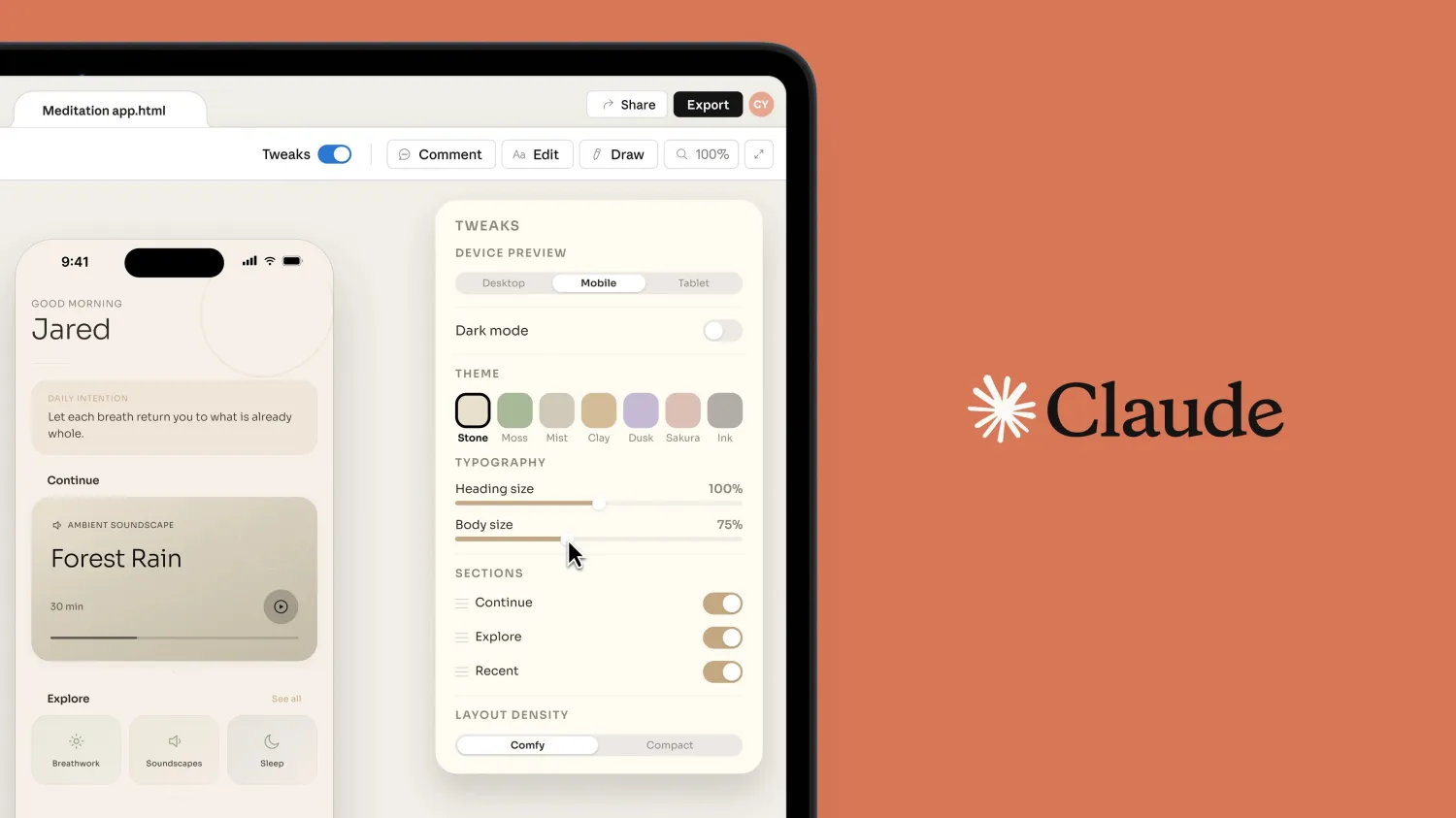
Claude Design works as a combination of chat and canvas. On the left, you provide goals, context, and requirements. On the right, you see a concrete visual output. The whole process is built around iteration: after the first version, you refine structure, hierarchy, copy, visual style, or individual components through chat and inline comments.
- Screen concepts, wireframes, and feature flows
- Interactive prototypes for internal review or user testing
- Pitch decks, one-pagers, and marketing materials
- Export outputs to HTML, PDF, PPTX, or Canva
- Handoff to Claude Code for follow-up implementation
Who Claude Design is most relevant for
Designers and product teams
The biggest benefit is fast testing of multiple variants without costly manual preparation for every direction. Instead of one proposal over a longer period, teams can compare several meaningful solutions in a short time.
Founders, marketers, and business teams
Even without deep knowledge of design tools, it is possible to create high-quality materials for decision-making, internal presentations, or client outputs. Claude Design lowers the barrier between an idea and a concrete visual proposal.
Development teams
When the design is prepared in a structured way, handoff to implementation is faster and comes with fewer ambiguities. This shortens the time between concept and release.
Practical process: how to integrate Claude Design into an existing project
Step 1: Define the goal and metric
Don’t start with a prompt like “make a nice design.” Clarify what the output should achieve, who it is for, and how success will be measured (for example, better user orientation, higher conversion, or faster onboarding).
Step 2: Prepare context and constraints
- Output type (landing page, dashboard, presentation, microsite)
- Target audience and use case
- Brand rules, communication tone, CTA priorities
- Technical constraints (responsiveness, components, accessibility)
Step 3: Create the first version and iterate in short cycles
Treat the first output as a draft, not the final result. Make short, targeted edits: hierarchy changes, section moves, copy updates, and visual detail refinements. Short iteration loops are usually more effective than one very long prompt.
Step 4: Prepare handoff to development
- Select the final version and export it
- Add important states (hover, empty state, error state)
- Specify component behavior and implementation priorities
- Hand the design over to Claude Code or your internal dev workflow
Step 5: Establish an internal standard
Every design proposal should include a clear goal, metric, reason for version changes, and concise documentation. This minimizes chaos and improves repeatability.
What to watch out for (preview limits and reality)
- Claude Design is still in preview and rollout is gradual
- Availability is primarily through the web interface at claude.ai/design
- It is not yet a fully CLI-only tool for the design canvas itself
- Usage is tracked separately from regular Claude chat and Claude Code
- For Team/Enterprise, it is best to set up a design system first, then scale to the whole team
Recommended resources
Official Anthropic resources
- Introducing Claude Design by Anthropic Labs
- Get started with Claude Design
- Admin guide (Team & Enterprise)
Videos that explain it in practice
- Anthropic Just Dropped Their Own Design Tool... (Claude Design)
- Claude Design is INSANE
- Claude Design: Everything You Can Build in 16 Minutes
- Claude Design: Anthropic's Figma Competitor
- Anthropic Just Launched Claude Design!!
Conclusion
Claude Design is not just “another AI feature.” For teams that want to quickly test directions, improve communication between business and engineering, and shorten the path from idea to production, it is a highly practical tool. Its greatest value lies in iteration, fast handoff, and better decision-making based on concrete outputs instead of abstract discussions.
Note: Community videos change quickly, so we recommend treating them as a supplement and relying primarily on Anthropic’s official documentation.