
Until now you had to keep two models on your own graphics card. One for drawing, one for editing — two sets of weights, two sets of LoRAs, two workflows, and files shuffled between them. Anyone who made an image and then wanted to change something on it moved from one model to the other, and the look drifted along the way.
Qwen-Image-2.1, released on 20 September 2026, ends that split. One model draws and edits, does native 2K and transparent backgrounds, and fits the card already sitting in your desktop. It is the most significant step local image work has taken so far.
Seven billion that do both
The visual part has 7 billion parameters. The previous Qwen-Image had twenty and still did only one of the two jobs. This is not a newer version of the same thing; it is a different build:
- Qwen-Image: 60 layers, 24 attention heads, width 3072
- Qwen-Image-2.1: 32 layers, 32 heads, width 4096
Fewer layers, but wider. A smaller model that does more — and that is exactly why it fits where the twenty-billion one did not.
What the model does
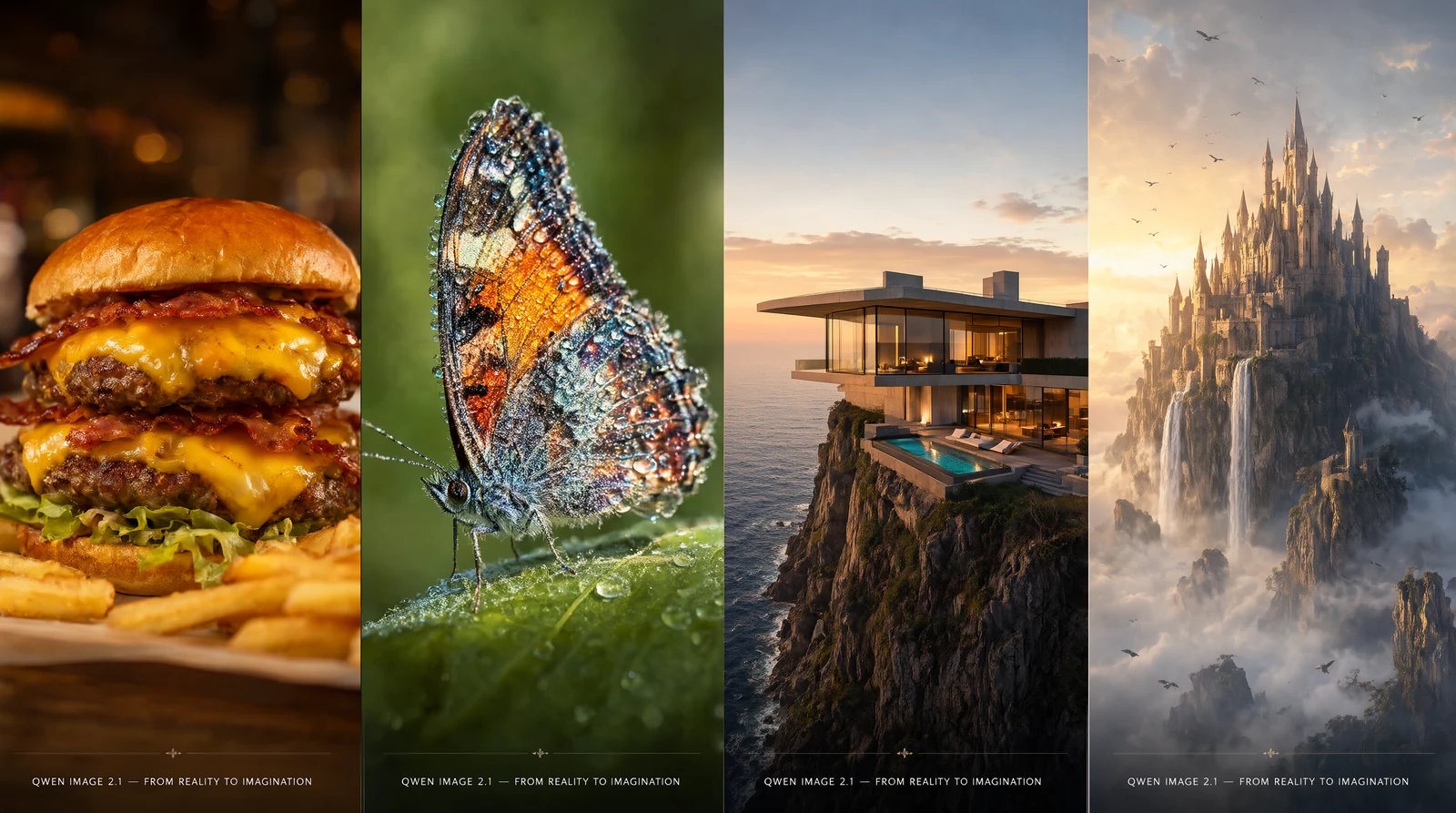
Native 2K. Not an upscale bolted on afterwards, but the resolution the model is built for.
A real transparent background. An alpha channel straight from the model, not a cut-out mask — the edges of hair look like the edges of hair. A product shot or a character ready to use, with no round in an editor.
Up to ten reference images in one run, addressed in the prompt as <image1> through <image10>. You can write "take the jacket from the second photo and put it on the person in the first" and the model knows what you mean. It holds the identity of people and the look of products while it does so.
The first input image is the one being edited and it also sets the size and aspect ratio of the output. That is by design — any other size would shift the edit — so the result fits the source without further setting up.
What it takes and how to start
Three files, 17.3 GB together: the model itself (7.26 GB), the text encoder (9.35 GB) and the VAE (0.68 GB). The quantised int8 build is precisely what makes this a home affair — at full precision the two large ones would come to 31.8 GB.
On the software side, ComfyUI 0.37.0 or newer is all you need, and nothing has to be installed on top — everything the model needs is already in there.
Copy the files into the folders for models, text encoders and VAEs, then open the official template: in the template browser it is Image Edit (Qwen Image 2.1) and Text to Image (Qwen Image 2.1). Both stand on the same three files, so switching between drawing and editing is a matter of picking the template. There is nothing else to wire up.
The settings that matter
The template runs 25 steps at CFG 1. It is worth knowing that CFG 1 does not mean here what it means elsewhere: on most models the prompt barely applies at that value, while this one is built for it and holds the prompt there. You do not need to raise it, and you can leave the negative prompt empty.
Two things are worth a try:
- The size the references are resampled to. It also sets the size of the result: 1024 is a balanced default, 2048 gives you 2K, zero leaves each photo at its own size.
- Where the model's shared memory is kept. When VRAM is tight this is the first lever to reach for — switching it to int8 halves it at roughly the same quality.
Qwen's prompt rewriters
Qwen shipped two prompt rewriters alongside the model: PE-I2I for edits and PE-T2I for generation. They are fine-tuned Qwen3.5-VL 9B, 9.47 GB each. You write a few words and get back the long, precise prompt the model understands best; for edits the rewriter also looks at the attached photos, so it knows what is in them.
The request may be in any language — the description comes back in English. Just spell it properly; without accents it will occasionally read your sentence its own way.
They are separate models, so they need extra space and you have to wire them up yourself; no official template for them has been published yet. By default the model writes a long internal deliberation before answering; on a home card it pays to switch that off. A rewrite on an RTX 4060 Ti then takes around fifteen seconds.
One thing worth knowing: the filter is in the rewriter, not the model
When a model will not draw something, it usually does not have it in its training data. FLUX is the clearest case: anatomy and nudity are not in there, so it will not paint them without a LoRA trained for exactly that, however you word the request.
Qwen-Image-2.1 does not have that gap. The weights that draw are considerably more permissive and need no LoRA for ordinary anatomy. The filter sits one floor up — in the language model that turns your few words into a prompt. And that one can be swapped; the weights cannot.
It is worth knowing even if nude work is not your thing. It means that when the model does not do something, it is usually a question of how you asked, rather than a wall built into the file.
When you want a rewriter without the filter
Qwen's rewriter is censored, and it does it quietly: it does not refuse, it simply rephrases the request into something tamer. I tried it on a nude study, and the description that came back had the figure clothed.
A tool should write what I asked for, not quietly change it. What matters is that the barrier sits in the language model, not in the weights that draw — the image model itself is considerably more permissive. And the rewriter is only a helper phrasing a sentence for you, so it can be swapped.
In its place I wired in an abliterated Qwen3-VL-8B — a model of around 6 GB with the taming layer removed. You write the rules for how the prompt should look into the system prompt yourself, and after that it rewrites nothing. The answer comes in around eight seconds.
That model can also see. It is a Qwen3-VL, so give it the extra file that belongs with it and it will look at your photos exactly as Qwen's rewriter does — just without the taming. With vision the answer takes around thirty seconds.
LoRAs
LoRAs made for the older Qwen-Image will not fit 2.1. It is a different architecture. New ones are yet to appear.
Licence: free non-commercially, commercial by agreement
Both the earlier Qwen-Image and Qwen-Image-Edit 2511 came out under Apache 2.0. With 2.1 Qwen tightened up: the weights are under the Qwen Research License Agreement, and "non-commercial" is defined narrowly there: research and evaluation purposes only.
What the licence allows:
- use, copy, modify and distribute the weights — non-commercially, worldwide and royalty-free
- own your modifications and derivative works, as long as you comply with the terms
- pass them on as part of a product, with a copy of the licence attached, changed files marked, and the prescribed attribution line in a “Notice” text file
What the licence asks on top:
- if you train your own model from the outputs and distribute it, prominently display "Built with Qwen" or "Improved using Qwen" in the documentation
- Qwen must not be the primary name of your product; descriptive "fine-tuned from Qwen Image" is fine
- export controls of China, the United States and other countries apply
The licence does not cover the images you generate. It defines “Materials” as the model and the documentation — outputs are not part of that definition. Qwen confirmed this publicly on 21 September: the rights to images and other content you produce with the model stay yours.
So the restriction is on the model, not on what comes out of it. Running it at home and using the result is one thing; building a paid service on it, or shipping it inside a product you sell, is another.
That is what the separate licence is for. You request it at model-business@notice.qwencloud.com. There is no revenue or user threshold below which it is automatically fine — either you have the agreement or you do not. The same applies to both prompt rewriters.
In practice: testing, learning and using your own images need no permission. Before you build a paid service on the model, write to them.
Where it makes sense
Most of all where you have been switching between two models. You make an image, edit something on it straight away, then produce a variant with a different background — and the whole time you are inside one model, so neither the hand nor the likeness of the people drifts.
The second strength is that transparent background. A product shot or a character with an alpha channel straight from the model is a finished asset for a layout, with no cutting out.
The third is working with references. Ten sources in one run makes it a tool for consistent series — the same character, the same product, different scenes.
Before you start
Download the weights, update ComfyUI to 0.37.0 and open the official template. Time one run — with a new model that is the fastest way to learn which settings are worth using on your card.
Links
- Comfy-Org/Qwen-Image-2.1 — the ComfyUI weights, all three files
- Qwen/Qwen-Image-2.1 — the original model and the full licence text
- Comfy-Org/workflow_templates — official templates for editing and text-to-image
- Qwen's release blog post
I wired it into PocketComfy straight away, so I have it on my phone — but everything above holds the same wherever you run it from.
