
SenseNova U1.6 was released by the Chinese company SenseTime on 23 November 2026. It is an open image model under the Apache 2.0 licence, so you can use its outputs commercially. ComfyUI supports it natively and shipped official templates for both generating and editing images.
I tested it on my own RTX 3090 machine using exactly those templates. I focused on where image models differ the most: text in the image, small print, Czech and editing an existing photo.
A model that both draws and reads the image
U1.6 is a so-called unified model. The same weights draw the image and read it. That is the basis of its headline feature, self-correction: after the first render the model looks at the image, compares it with the prompt and, if it finds an error in the text, such as scrambled letters, a typo or wrong numbering, it draws the image again. It can do up to five rounds.
According to the maker, self-correction improves dense infographics by 7 % on average (their UltraTextBench test) and aesthetics are 10 % better than the previous U1.5 (their own user evaluation). Officially the model supports English and Chinese, and the default image size is 2368 × 1760, roughly 4 megapixels.
English text on the first try
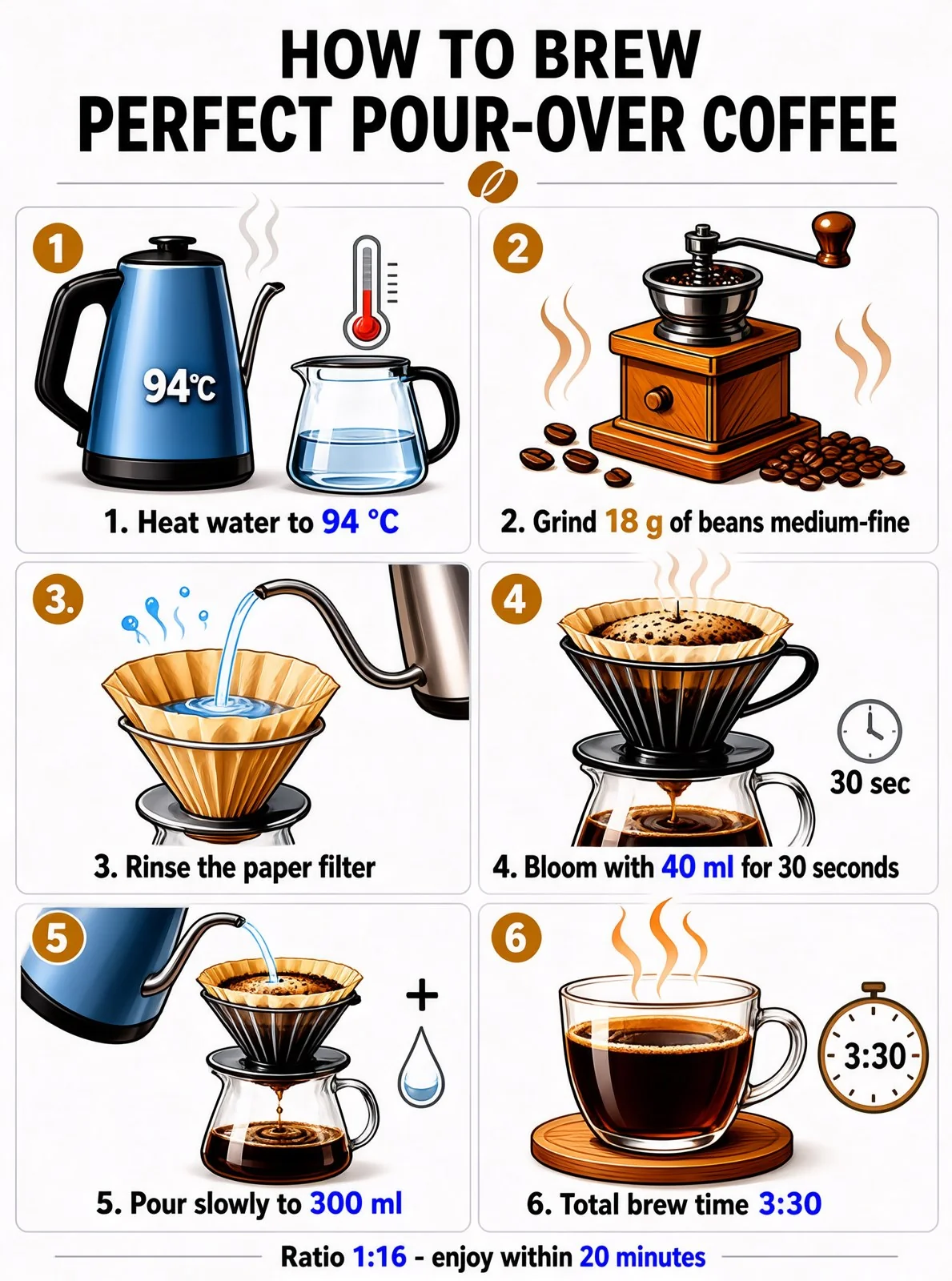
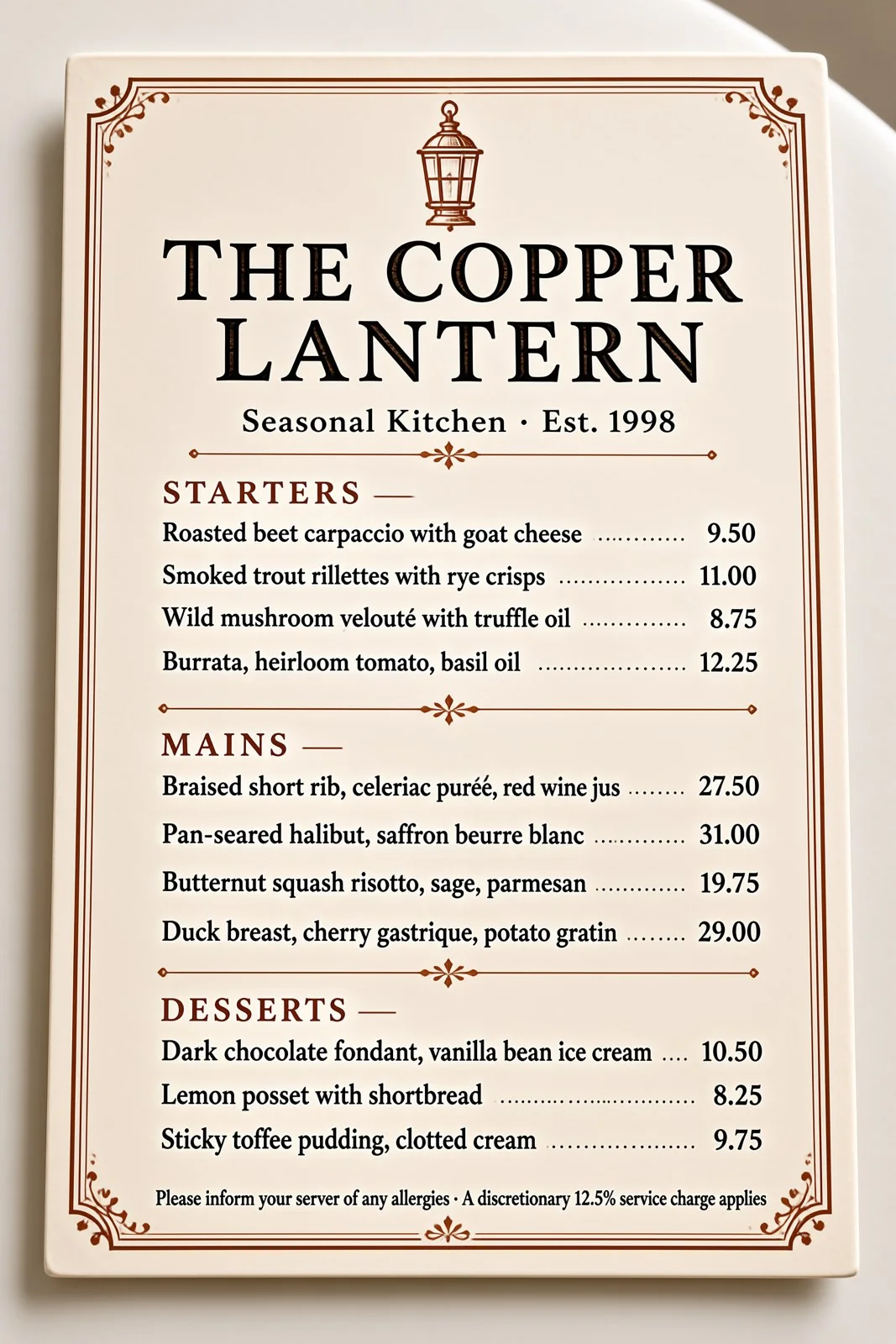
This is where U1.6 is strongest. A film poster with title, tagline, release date and credits, an infographic with six numbered steps and a menu with eleven dishes and prices all came out without errors. The model also gets numbers and units right: 94 °C, 18 g, a 1:16 ratio, 3:30.
Across all tests I found a single mistake: "puréé" instead of "purée" in one line of the menu. And that holds for the fast Turbo mode too, which needs only eight steps.
Self-correction runs only when there is something to fix
With the poster, the infographic and the menu, the model looked at the image (the check took one to two seconds) and decided on its own that it was done. No correction round ran because none was needed. It only adds time where it makes sense.
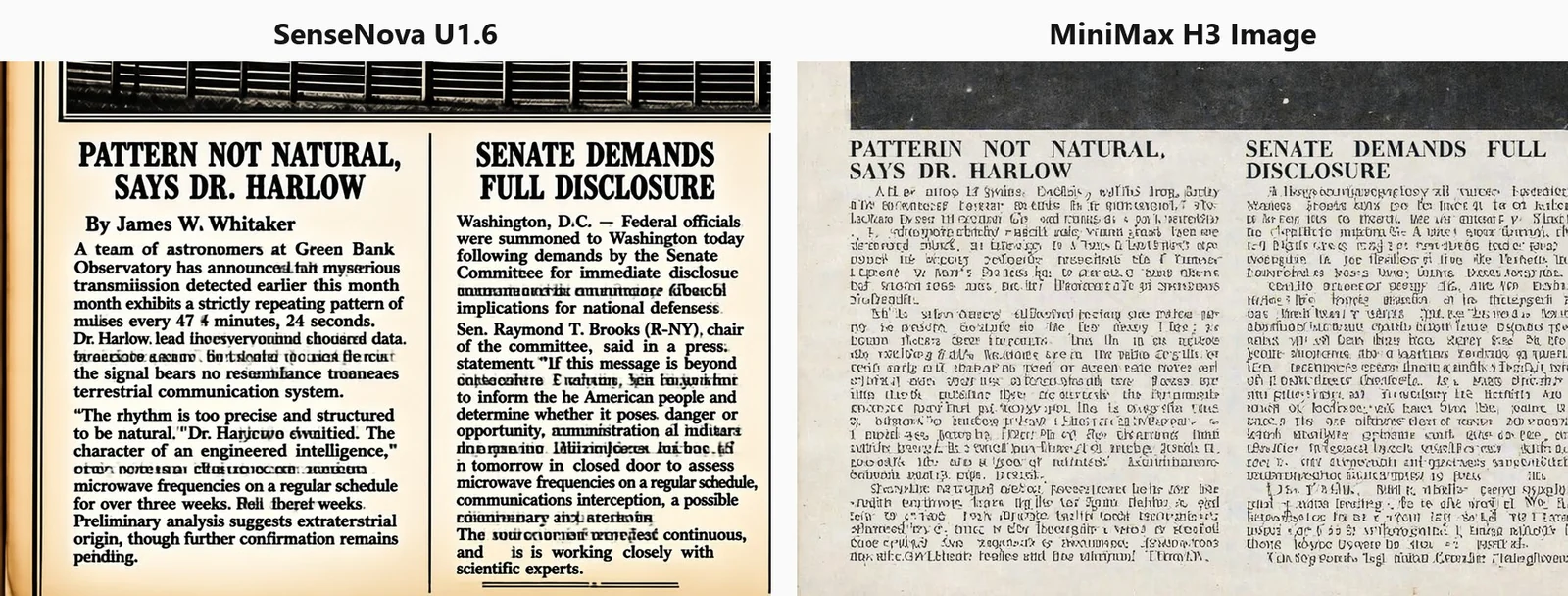
What it does when it finds an error is more interesting. On a newspaper front page with dense columns of small print it wrote out a literal list of fixes, including coordinates in the image, for example:
in the lower-left area [56, 782, 320, 792], replace "A team of astronnmers at Green Bank" with "A team of astronomers at Green Bank"
or fix "Prelininary analysis suggests extraterstrid" to "Preliminary analysis suggests extraterrestrial". Then it drew the newspaper page again.
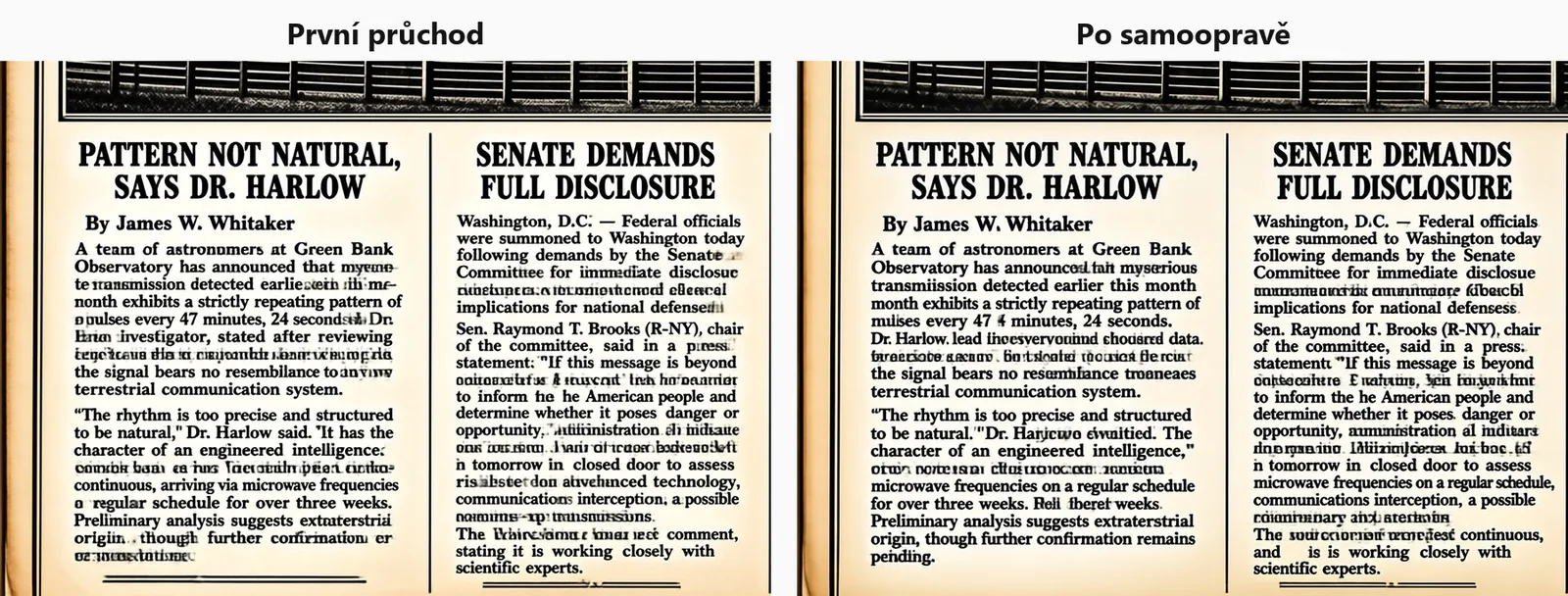
The result is mixed. Many words were corrected, but new errors appeared in the small print ("Dr. Harjcwo") and one sentence moved into the neighbouring column. In another attempt the check got stuck repeating the same lines until it ran out of its limit, and the model kept the original image. Self-correction is a useful helper for shorter texts, but it is not yet enough for a whole newspaper page.
Compared with MiniMax H3 Image
I ran the same prompts at the same sizes through MiniMax H3 Image. One difference needs to be said: H3 Image got the prompt without an enhancer, while SenseNova used its official prompt enhancer, which is part of the template.
Film poster. Both models wrote the title and tagline correctly and H3 Image has a very clean title. The difference is at the bottom: the credits block is illegible in H3 Image and clean in SenseNova, including the line "A Northlight Pictures Production".
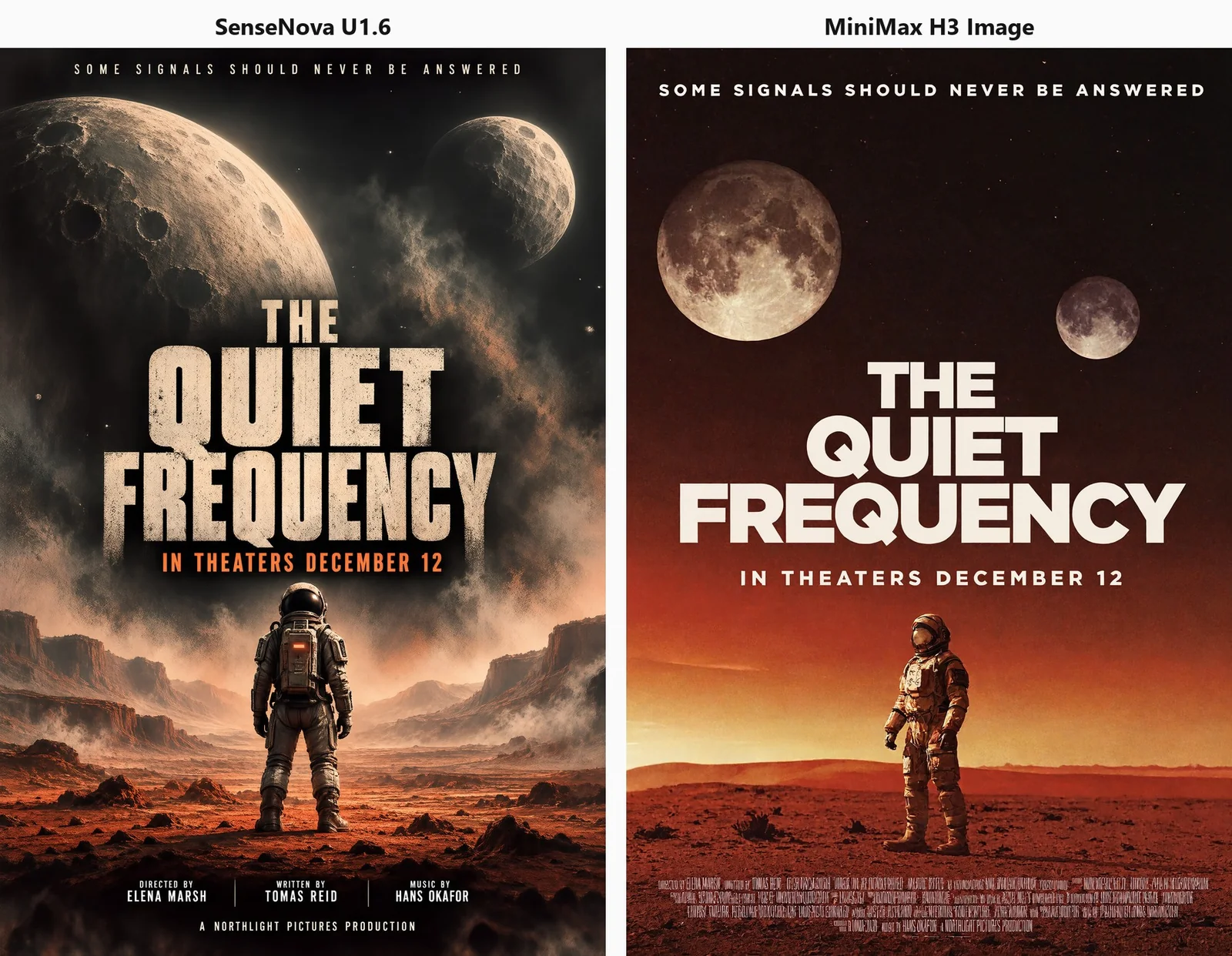
Small print in a newspaper. H3 Image draws pseudo-text in the columns that only looks like writing, and its headline reads "PATTERIN". SenseNova writes real sentences, even if with errors.
Czech: headlines yes, small print not yet
U1.6 handles large headlines with Czech diacritics well; "LETNÍ NOCI POD HVĚZDAMI" and "Řevnice" are correct. In smaller type it makes mistakes: "Prírodní" without the caron, and a cluster of letters instead of "let zdarma". Self-correction does not catch these Czech errors, since the model officially supports only English and Chinese.
H3 Image handled diacritics in small print better and wrote "Přírodní" correctly. Both get the word "zdarma" wrong.
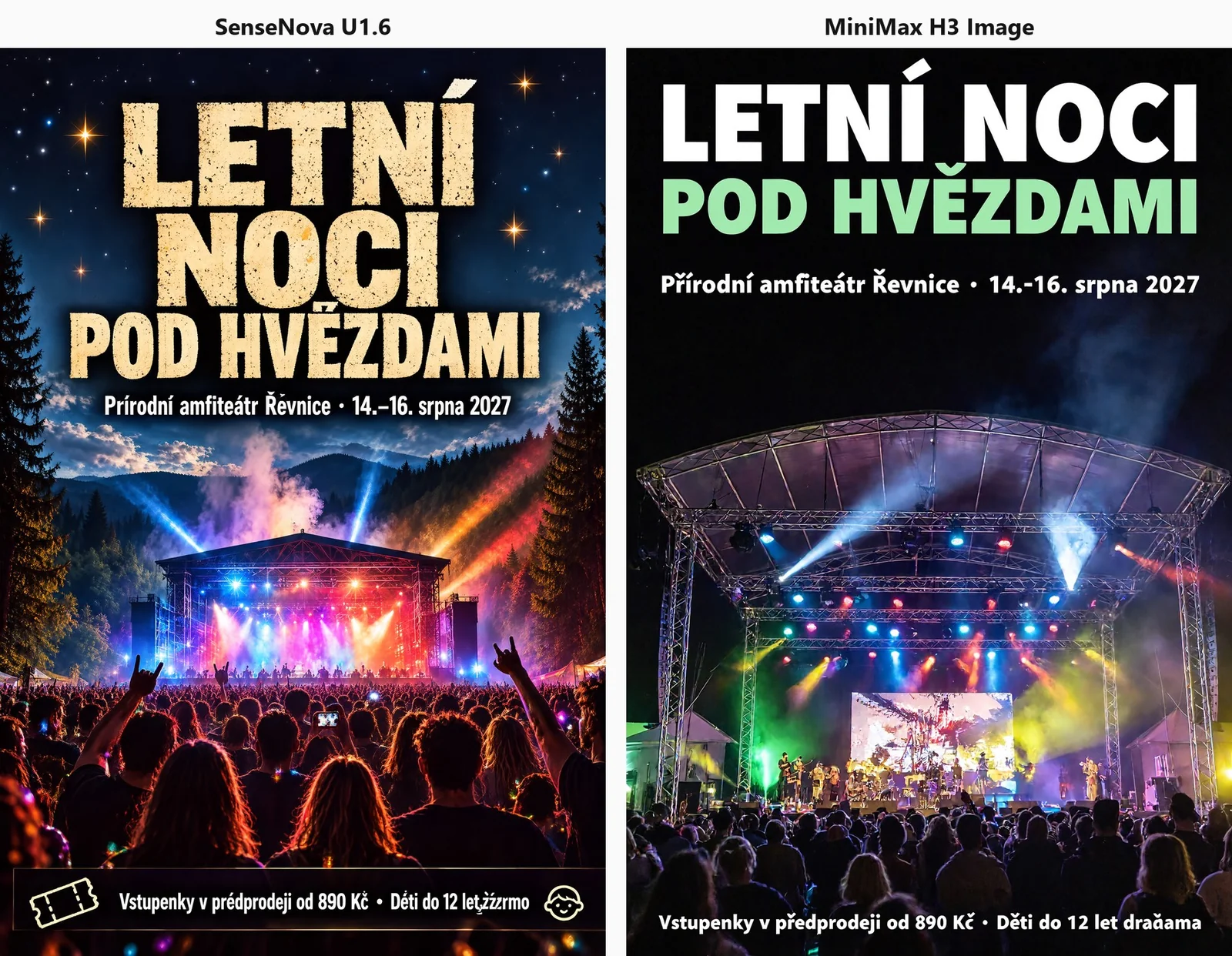
Photo editing that keeps the faces
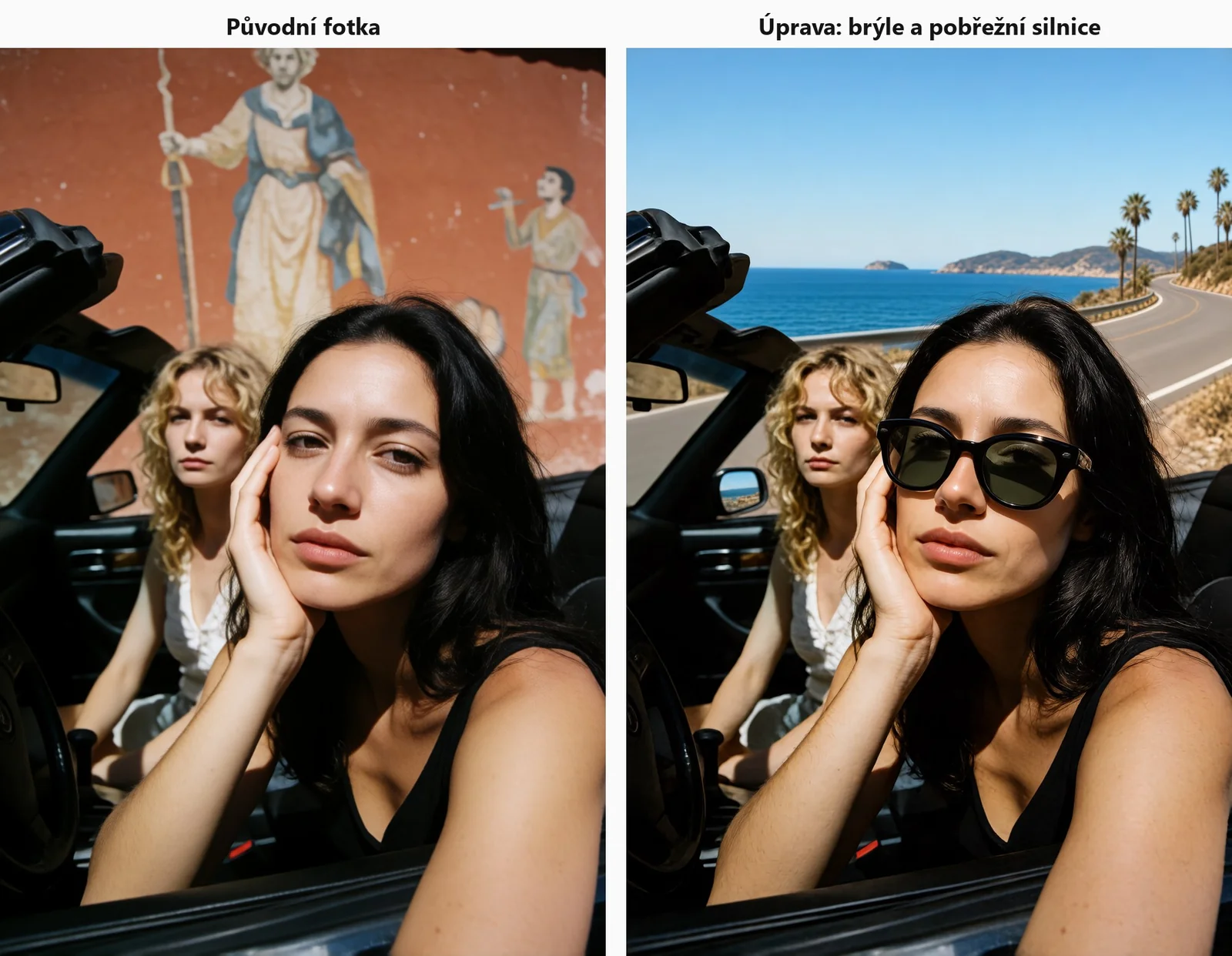
The editing template accepts up to five reference photos; the maker recommends one to four. I tried it on the official example: two women in a convertible by a wall with a fresco, and the instruction "put sunglasses on her and move the scene to a coastal road".
Both faces stayed the same, the car and the pose hold, and behind them is a new road by the sea.
Photography
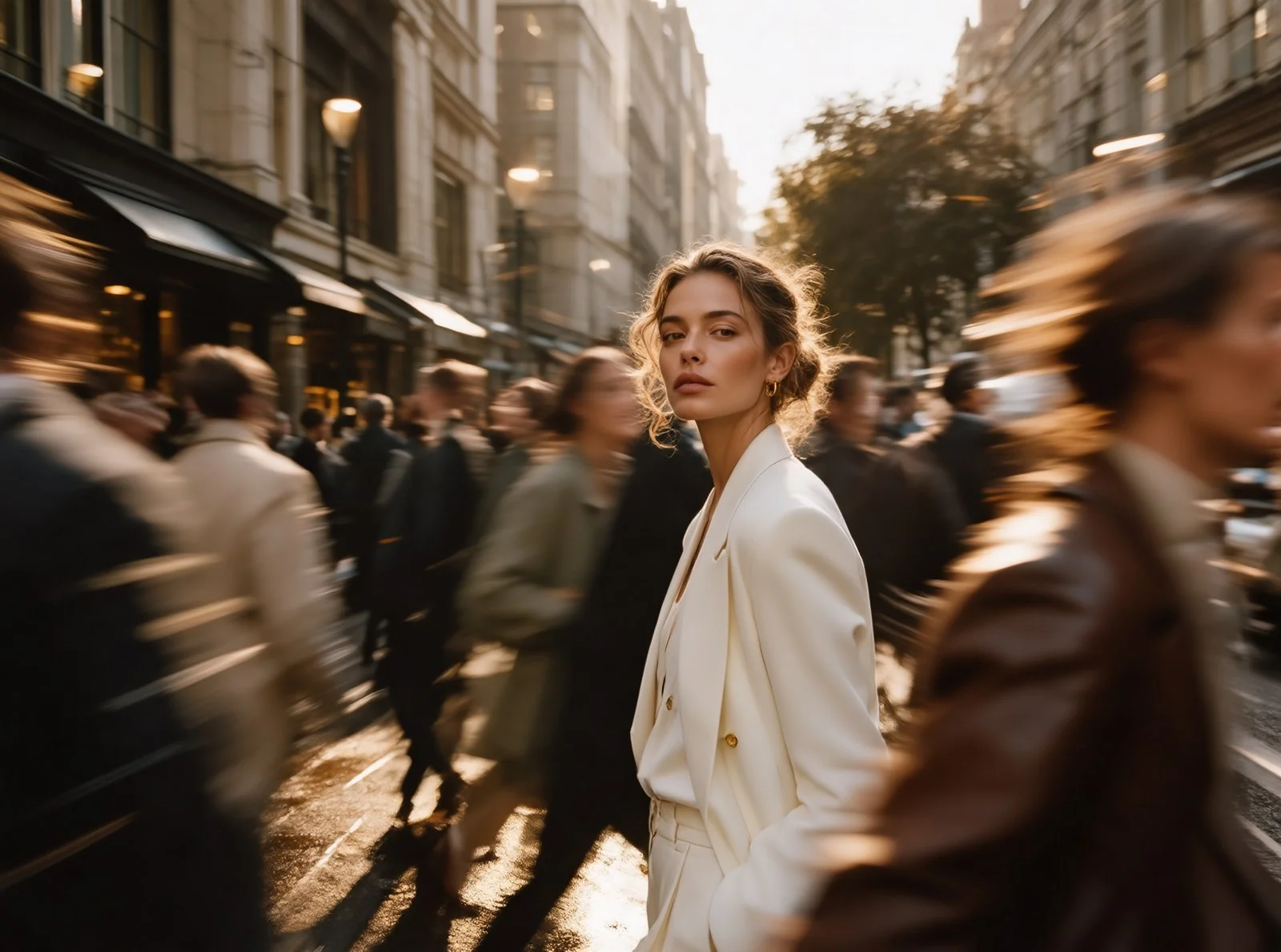
The model is not only for text. A portrait of a woman in a crowd, with people rushing past in motion blur, looks like street photography from an ad campaign.
What else the model can do
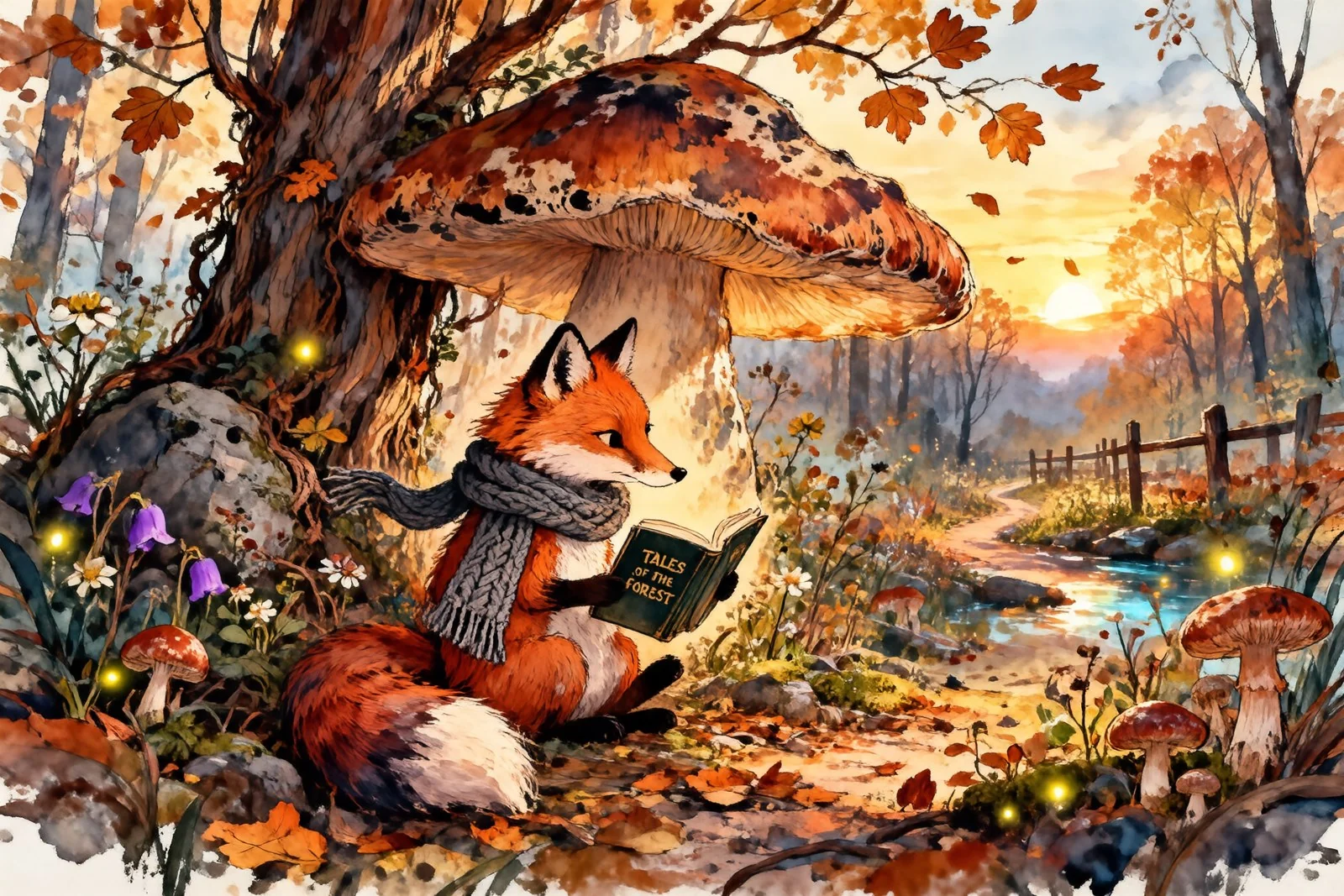
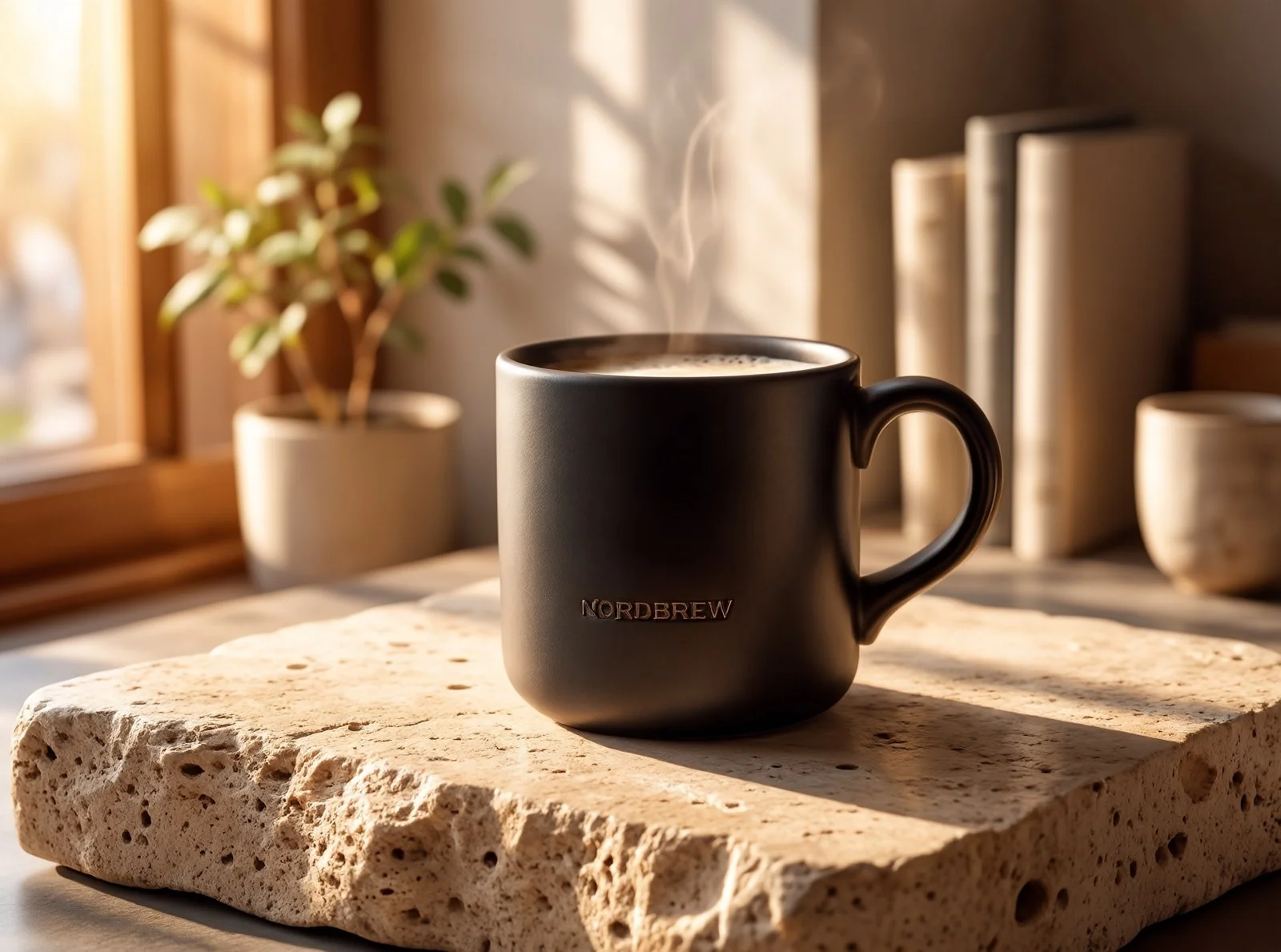
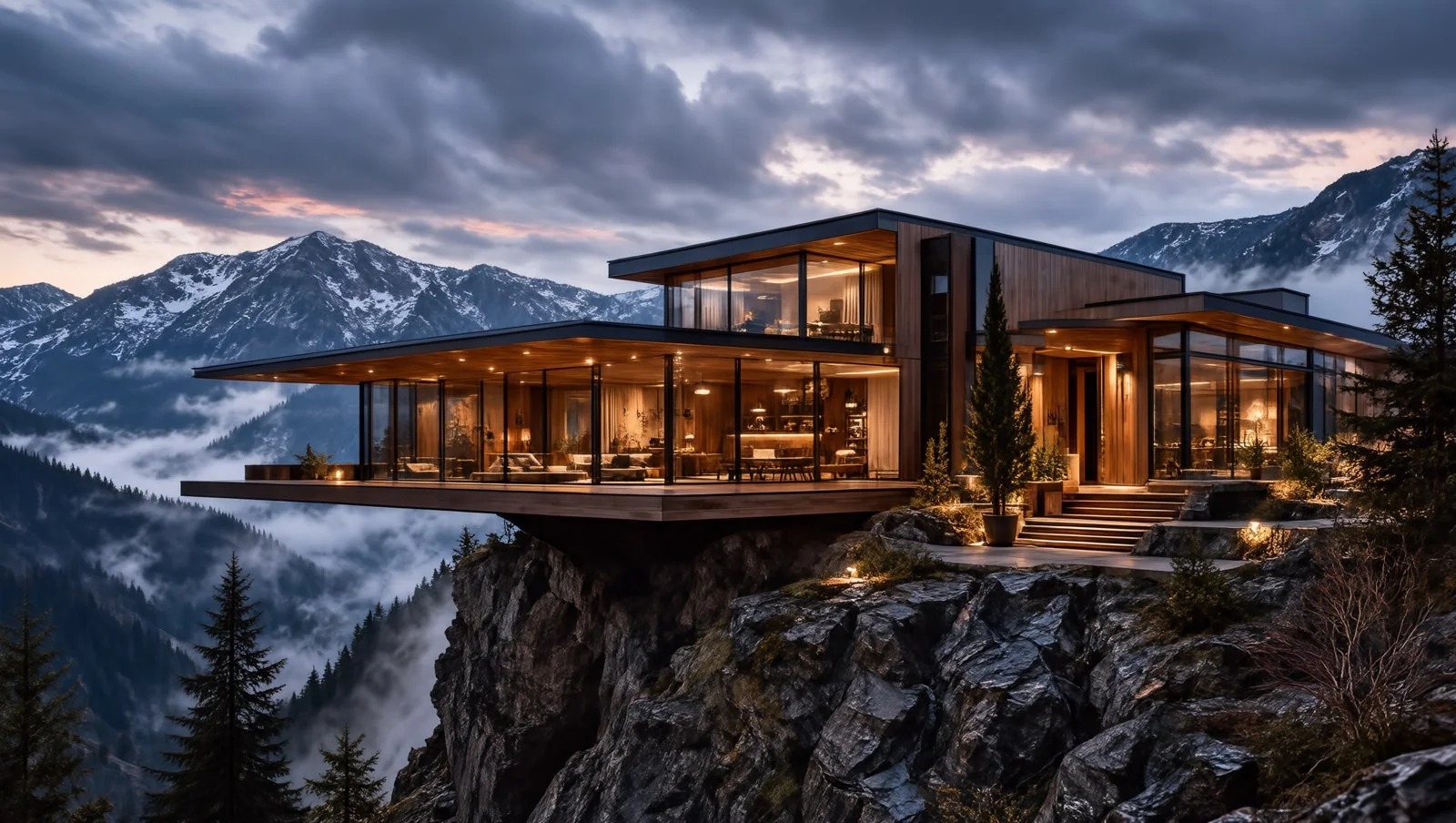
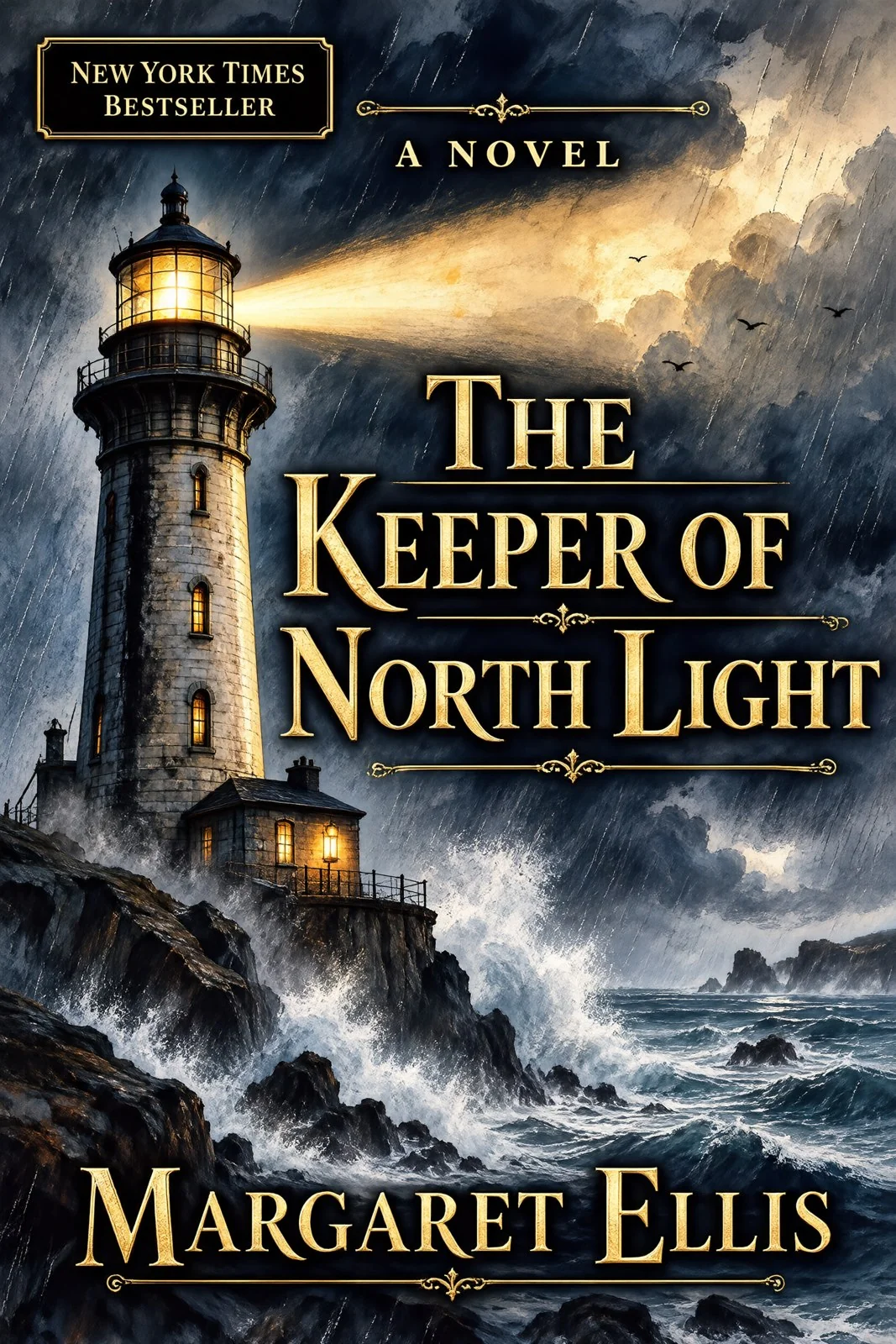
Four more styles, all in Quality mode with the same official template. Times are from an RTX 3090.
Where it fits
- Posters, infographics, menus, packaging and ad visuals with English text. This is where U1.6 is most reliable and you usually do not need to fix the text.
- Short numbers and units in graphics. It keeps procedures, price lists and guides accurate.
- Photo edits where faces must stay. A new setting or accessory without losing identity.
- Czech visuals with a large headline. Small Czech text is still better added in a graphics editor.
Technical minimum
All you need is ComfyUI 0.46 or newer and the official Comfy-Org templates (image_sensenova_u16_t2i and image_sensenova_u16_image_edit). The model has two modes: Turbo with eight steps and Quality with fifty. Peak VRAM usage was between 18 and 21 GB out of 24 GB.
Times on an RTX 3090, including prompt enhancement by the language model:
- portrait: Turbo 40 s, Quality 101 s
- film poster, Quality: 104 s
- infographic, Turbo with self-correction: 55 s
- menu, Turbo with self-correction: 46–64 s
- photo edit, Quality: 162 s
- newspaper with a correction round, Turbo: 132 s
For graphics with English text, start with Turbo and self-correction switched on: in under a minute you have a finished image, and the model itself decides whether it needs to draw it again.
