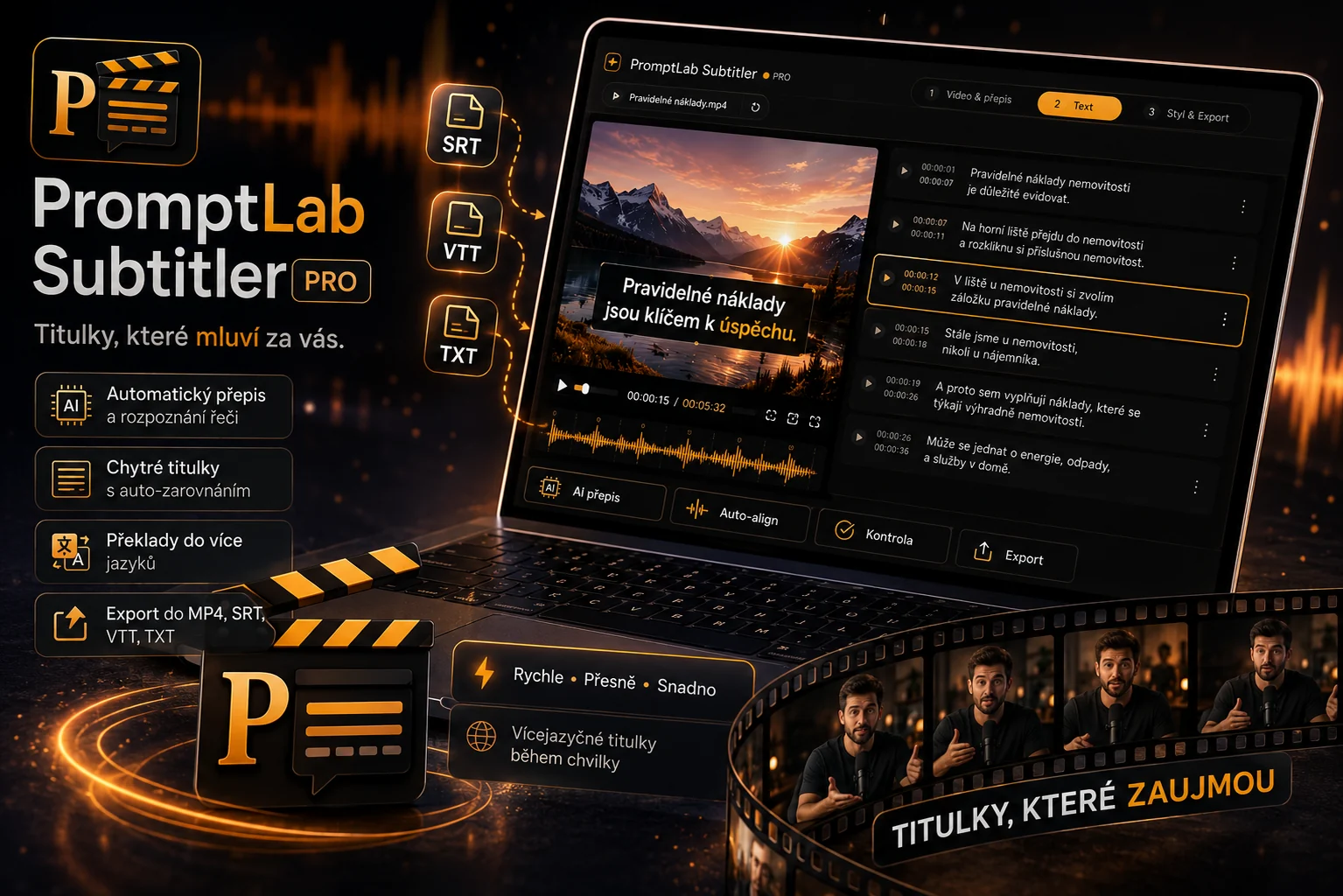
Most people now watch videos without sound — and they scroll past a video with no subtitles before you finish your first sentence. PromptLab Subtitler Pro turns it into a professionally subtitled video in minutes: AI transcribes the speech, translates it and dresses it in modern styles that hold attention. And no subscription — buy once, use forever.
Subtitle styles that stop the scroll
Plain white captions at the bottom don’t grab anyone anymore. PromptLab Subtitler offers a range of modern animated styles built for Reels, TikTok and YouTube Shorts — word-by-word active-word highlighting, a „karaoke“ effect, bold callouts and clean lower-thirds. Pick a style in one click and the subtitles time themselves to the speech. You adjust the size and position directly, and in the custom-style editor you can clone any style and change its font, colours and motion — then save it as your own.
Accurate transcription and translation into more languages
At its core is top-tier speech-to-text built on the Whisper model — it recognises what’s said in your video and creates accurate subtitles with no manual typing or fixing typos. It can then translate the subtitles into other languages; for the highest quality we recommend the DeepL translator, but a built-in offline translator is also available (works without internet). One video easily becomes versions for several markets.
Burn into the video, or export a file
Either burn the subtitles straight into the video (a finished MP4 ready to post), or export them as SRT, VTT or TXT to finish in Premiere, DaVinci or CapCut. No watermark and no length limit.
Your video stays with you
Unlike cloud services, the video file is never uploaded — transcription and rendering happen on your computer, so your video and audio don’t leave your PC and there’s no server queue. For translation, only the subtitle text (a few sentences) is sent to DeepL, never your video.
Pay once, not every month
Most caption tools charge a monthly subscription or credits that run out fast. PromptLab Subtitler is a one-time 999 CZK purchase and it’s yours for good — no limits, no watermark, including free automatic updates. The app keeps itself up to date on launch, so you always have the newest styles and improvements.
How it works
- Load your video — drag in an MP4, MOV, MKV, AVI or WEBM (up to 2 GB).
- AI creates the subtitles — it transcribes the speech; you pick the language and a style.
- Burn or export — a finished video with subtitles, or an SRT / VTT / TXT file.
System requirements
Minimum:
- Windows 10 or 11 (64-bit)
- 4 GB RAM
- ~3 GB free disk space (app + downloaded AI models)
- Runs even without a graphics card, on a regular CPU — transcription is just slower
Recommended (for fast, most accurate transcription):
- Windows 10/11 (64-bit), 8–16 GB RAM, an SSD
- An NVIDIA GPU with CUDA (from ~4 GB VRAM) — makes transcription dramatically faster
- For the built-in offline translator, 16 GB RAM (less is fine with the DeepL cloud)
Who PromptLab Subtitler is for
For content creators and YouTubers who want fast subtitles with no watermark and no subscription. For marketers and companies subtitling ads, training and internal videos who want to keep their data under control. And for anyone who wants their videos to land even without sound.